Free Dell PowerEdge Operate D-PE-OE-23 Actual Exam Questions
Dumps Box (DumpsBox) offers up-to-date practice exam questions for D-PE-OE-23 certification exam which are developed and validated by DELL subject domain experts certified in Dell PowerEdge Operate D-PE-OE-23 . These practice questions are update regularly as we keep an eye on any recent changes in D-PE-OE-23 syllabus, and when there is update our team quickly adjusts the questions. This commitment to providing the best quality exam prep material to certification aspirants is what makes DumpsBox.com the best certification exam prep website. On top of that, our strong, yet strictly moderated, community based feedback keeps the content clean and current. Each question has helpful community discussion that provides it extra perspective and introduces helpful resources for better exam preparation. This also saves students from other outdated practice questions or illicit exam dumps that can have adverse affects on career. Browse through our Dell PowerEdge Operate D-PE-OE-23 exam questions and pass your exam on first try.
(Select 2)
BIOS. Which method can be used to achieve this?
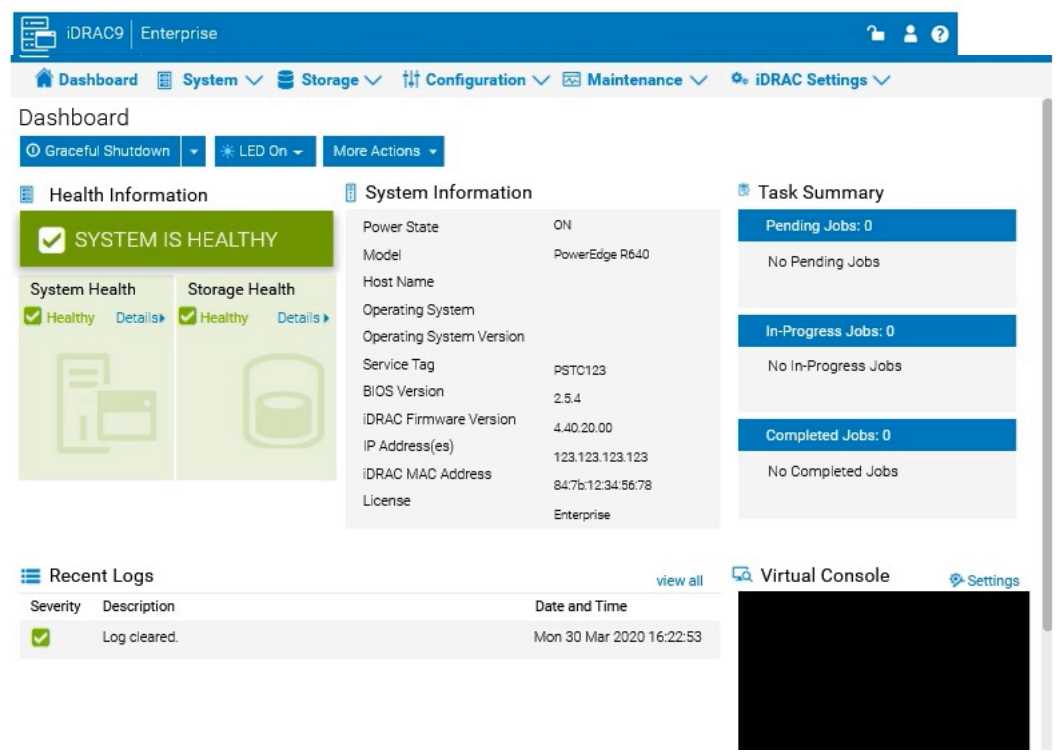
A system administrator is asked to create an iDRAC shared management port using LOM2 and
create a failover network using LOM3. Use the simulator to accomplish this task.
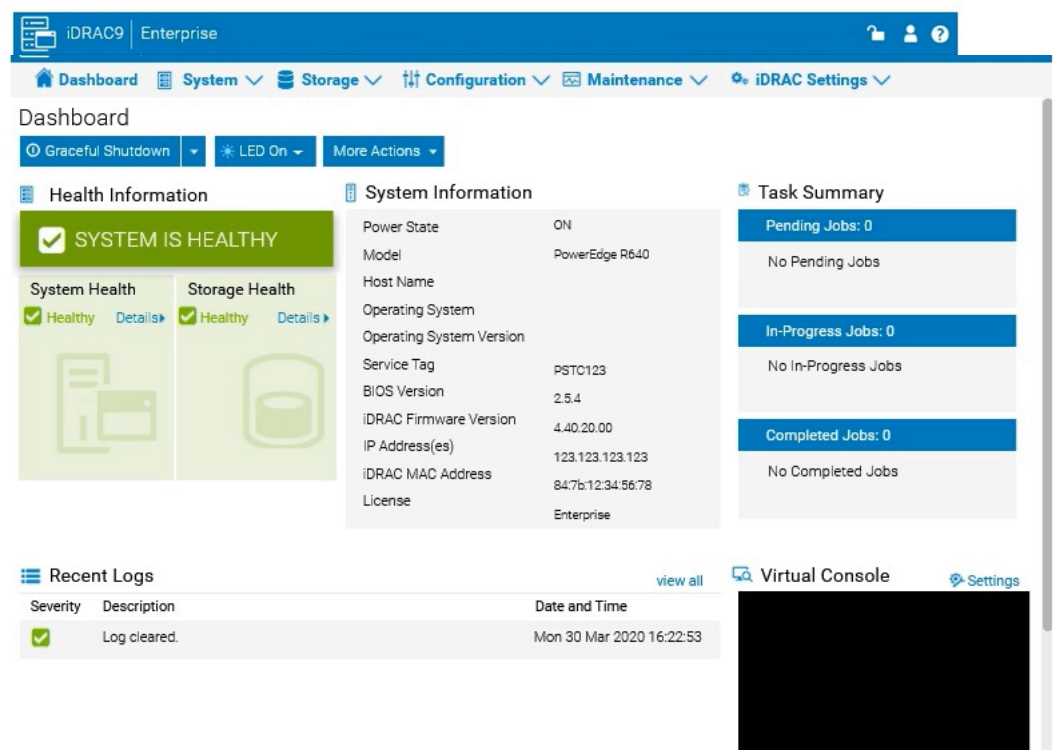
The system administrator cannot boot their R660 server. To help troubleshooting, use the iDRAC
Ul to enable capturing the full POST sequence for the next time it attempts to boot.
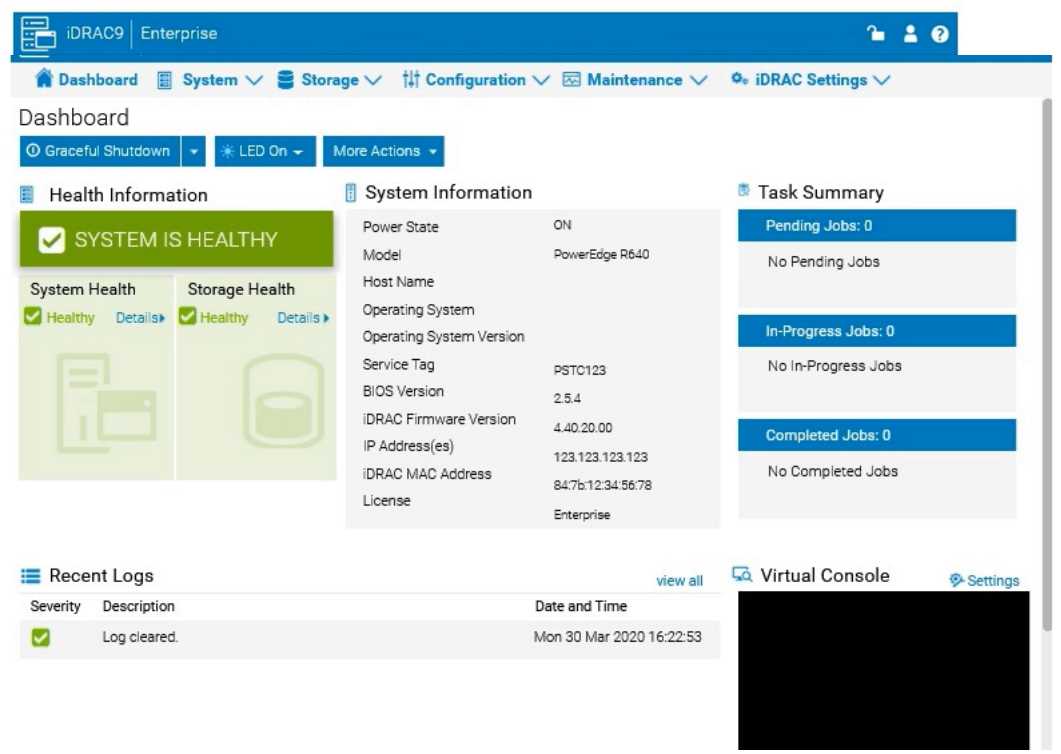
An administrator has been tasked to create and save replacement of a server configuration with the
file
name of "PE-server".
The profile must include the configuration for only the following components:
. NIC
. RAID
. iDRAC
Using the simulator, create and save the replacement with these components.
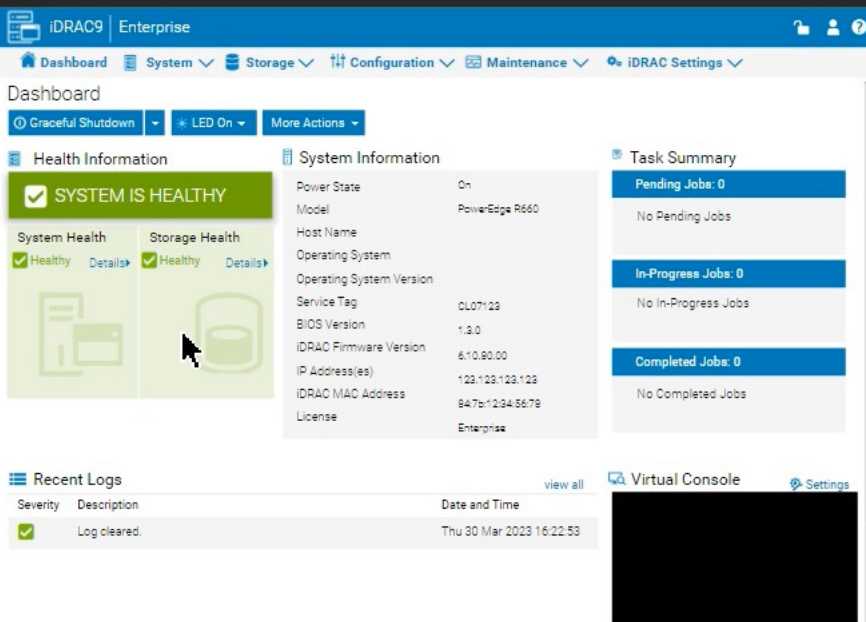
A customer has relocated one of their Dell PowerEdge platform servers from their main data center
to a remote edge location, which uses a different network segment.
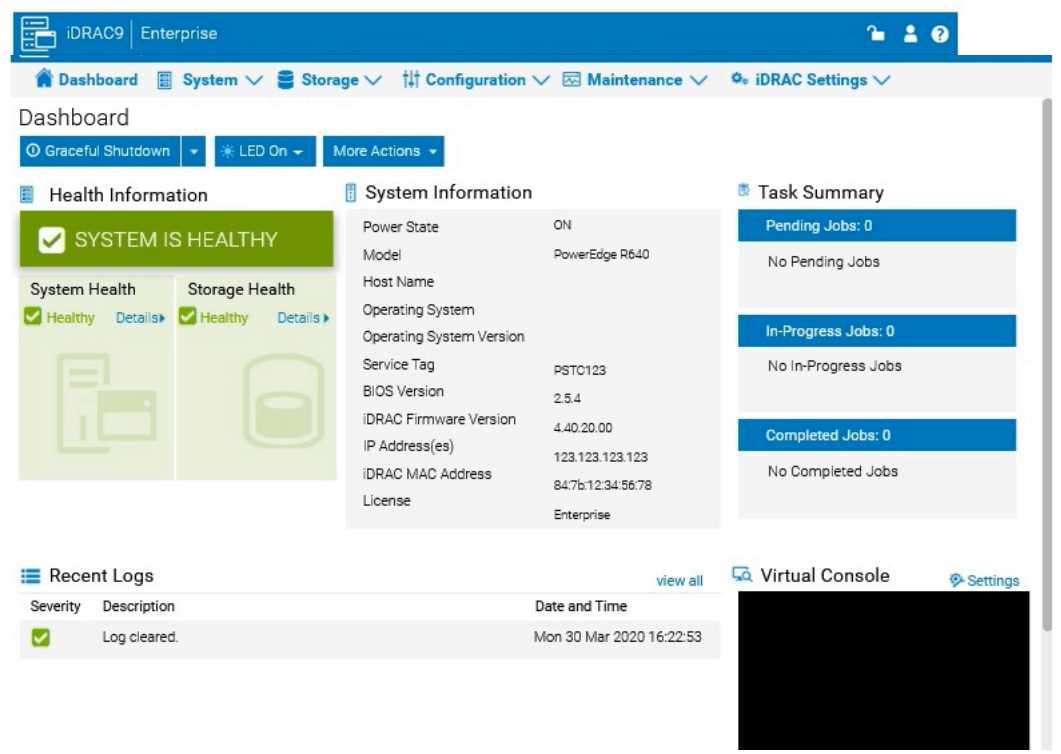
Reconfigure the iDRAC network settings with the following information:
. IP Address (CIDR):
192.168.0.120 (/24)
. Gateway: 192.168.0.1
. DNS Server 1: 10.10.0.1
. DNS Server 2: 10.10.0.2
Due to recent security breaches and to avoid accidental changes made by the junior IT staff, an
administrator would like to prevent unwanted configuration changes in the iDRAC UI.