Free Apple-Device-Support Actual Exam Questions
Dumps Box (DumpsBox) offers up-to-date practice exam questions for Apple-Device-Support certification exam which are developed and validated by APPLE subject domain experts certified in Apple-Device-Support . These practice questions are update regularly as we keep an eye on any recent changes in Apple-Device-Support syllabus, and when there is update our team quickly adjusts the questions. This commitment to providing the best quality exam prep material to certification aspirants is what makes DumpsBox.com the best certification exam prep website. On top of that, our strong, yet strictly moderated, community based feedback keeps the content clean and current. Each question has helpful community discussion that provides it extra perspective and introduces helpful resources for better exam preparation. This also saves students from other outdated practice questions or illicit exam dumps that can have adverse affects on career. Browse through our Apple-Device-Support exam questions and pass your exam on first try.
What file system formats are available in Disk Utility on a Mac
Select two responses.
Which two authentication methods can they use to lock a note in the Notes app?
You would like to access files stored in iCIoud Drive on your Windows PC at work.
What should you do to access these files on your PC?
password, they can’t restore the encrypted backup. What must the user do to create a new
encrypted backup with a new password?
unresponsive?
needed app plug-in when you open the app?
strength, quality, and rate?
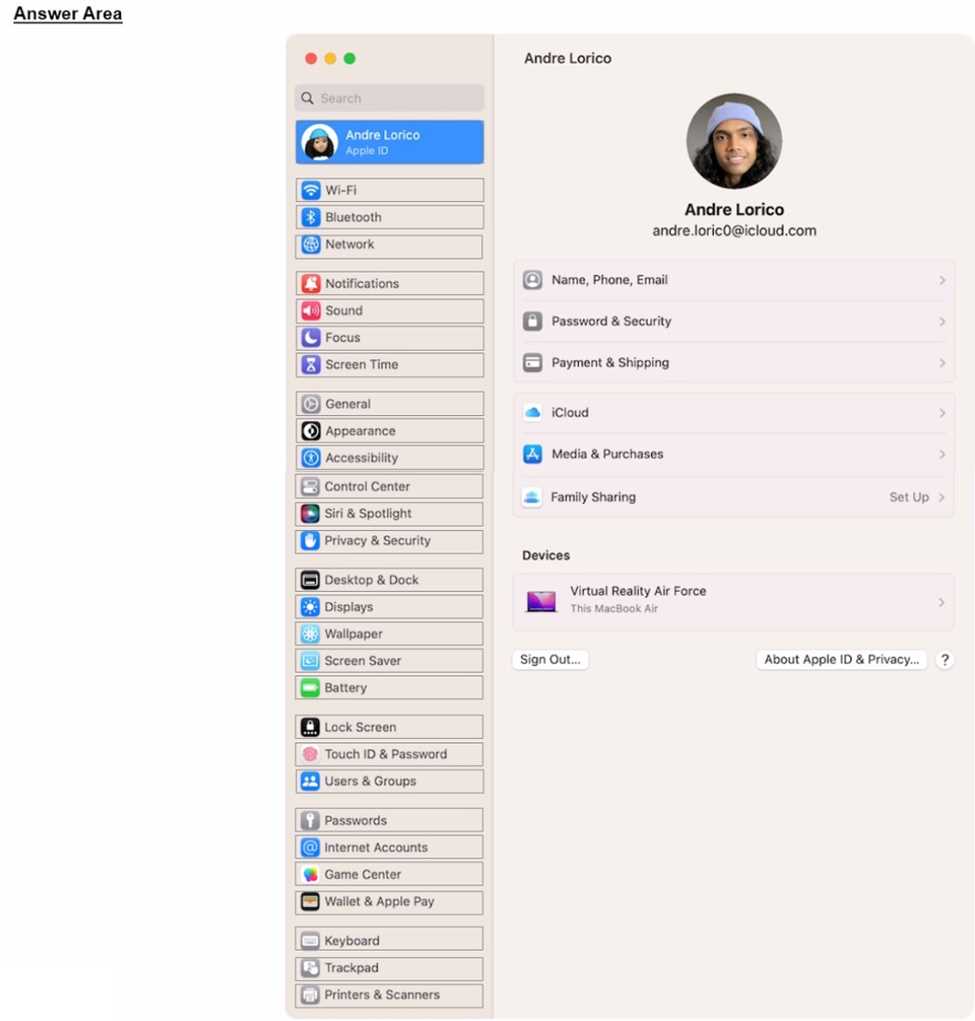
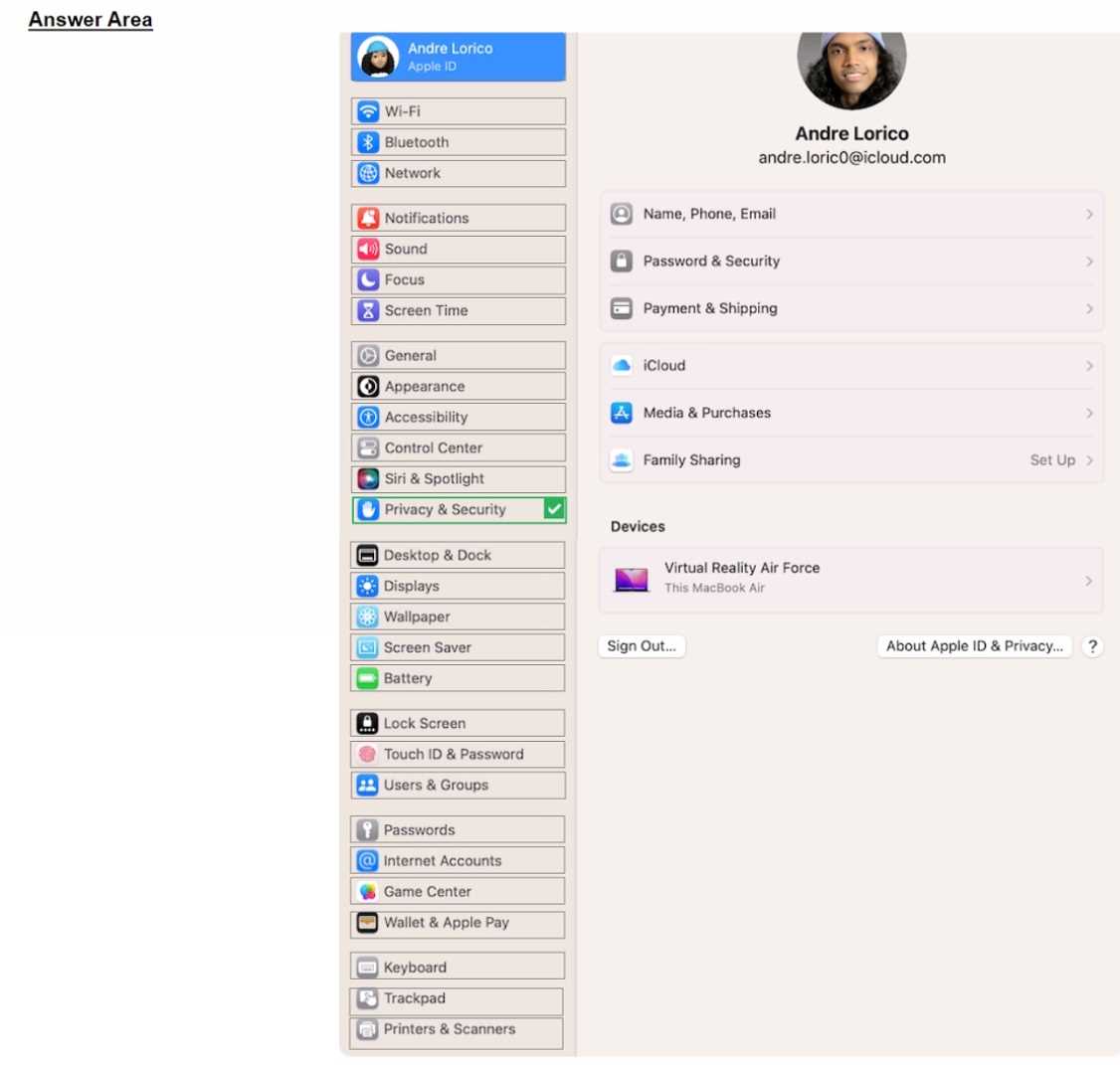
Select the setting in the sidebar that you should use to automatically keep your Mac up to date.
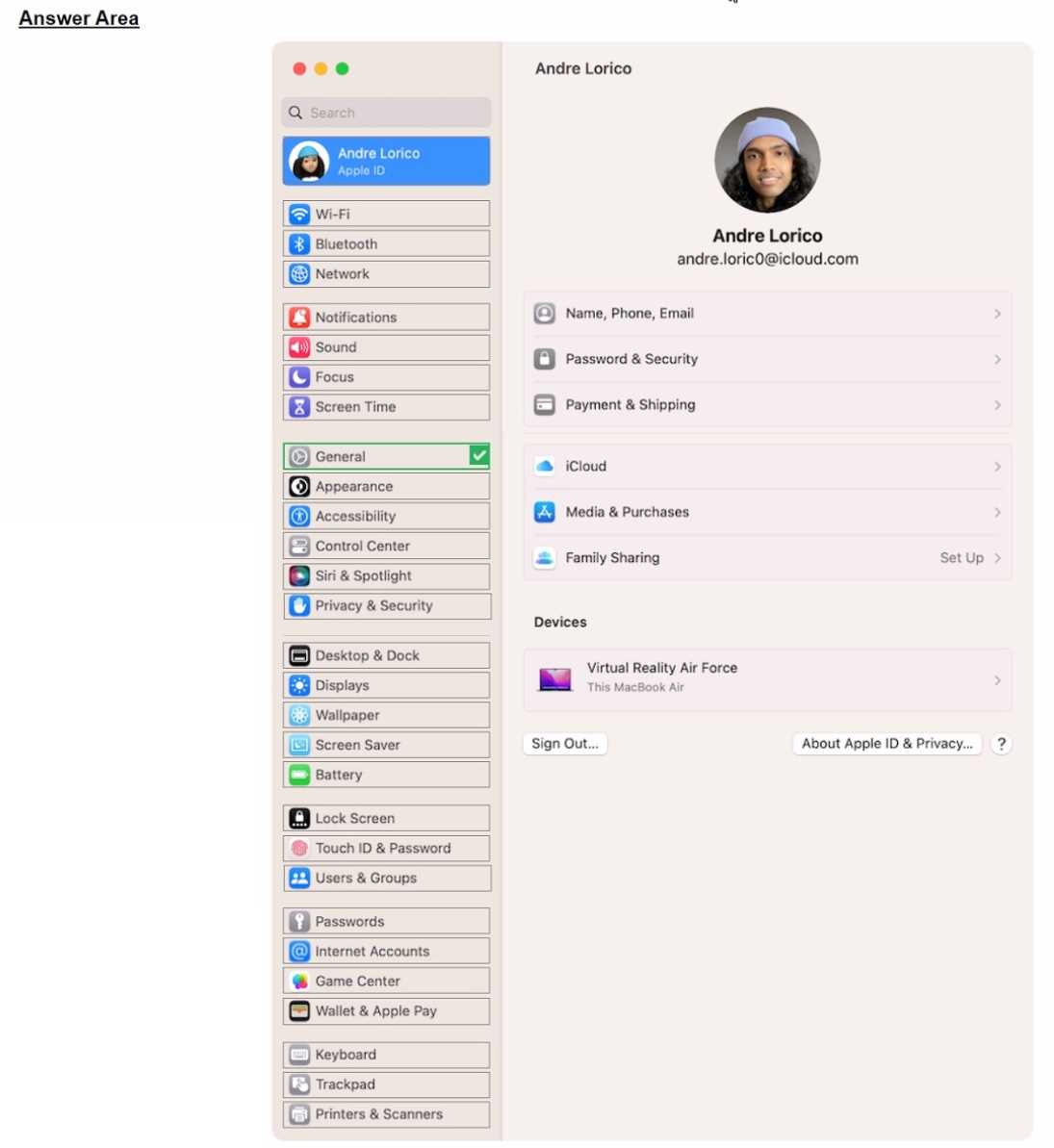
Select the setting in the sidebar that you should use to delete a user on your Mac.
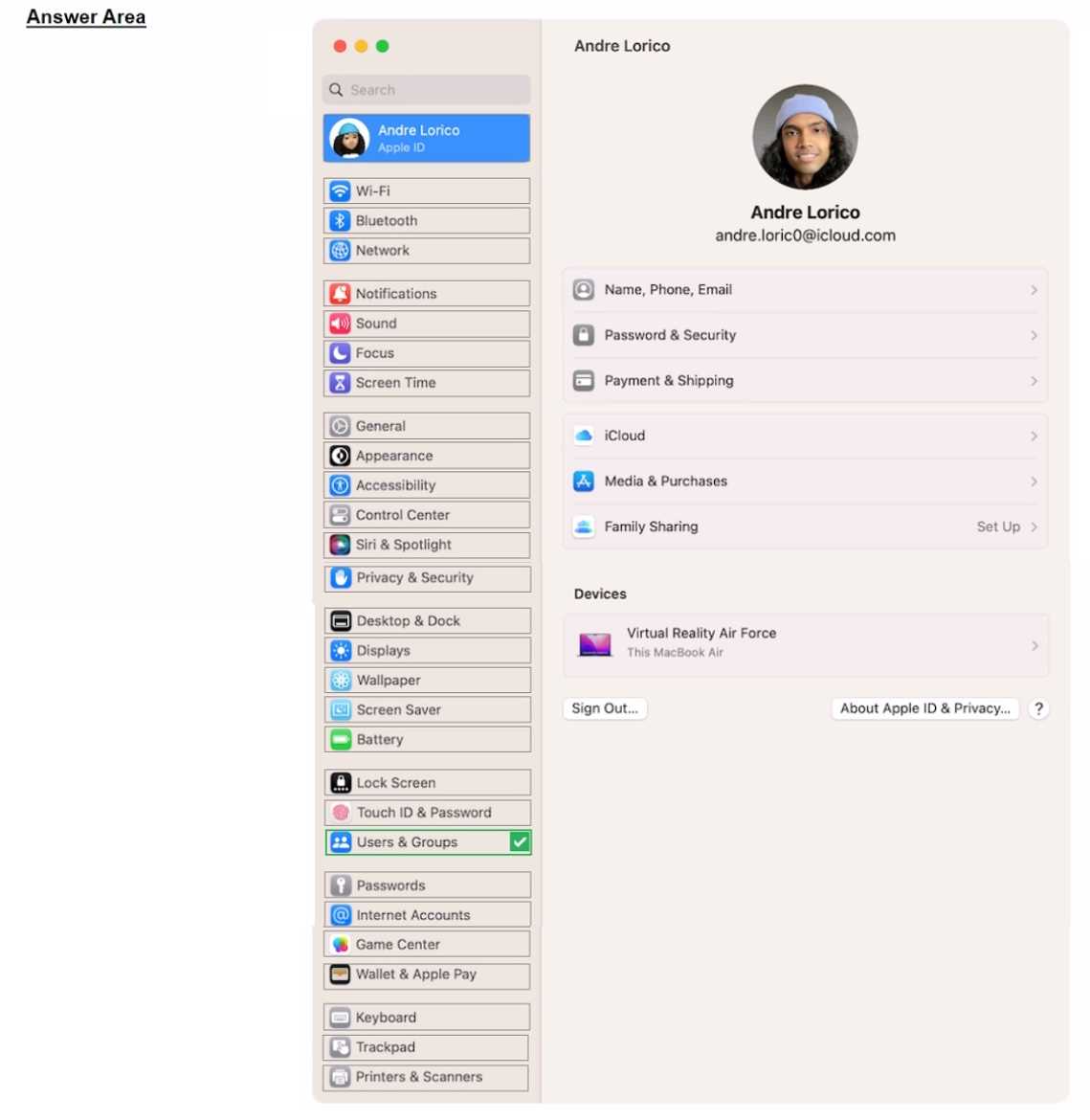
Select the setting in the sidebar that you should use to turn on Lockdown Mode.
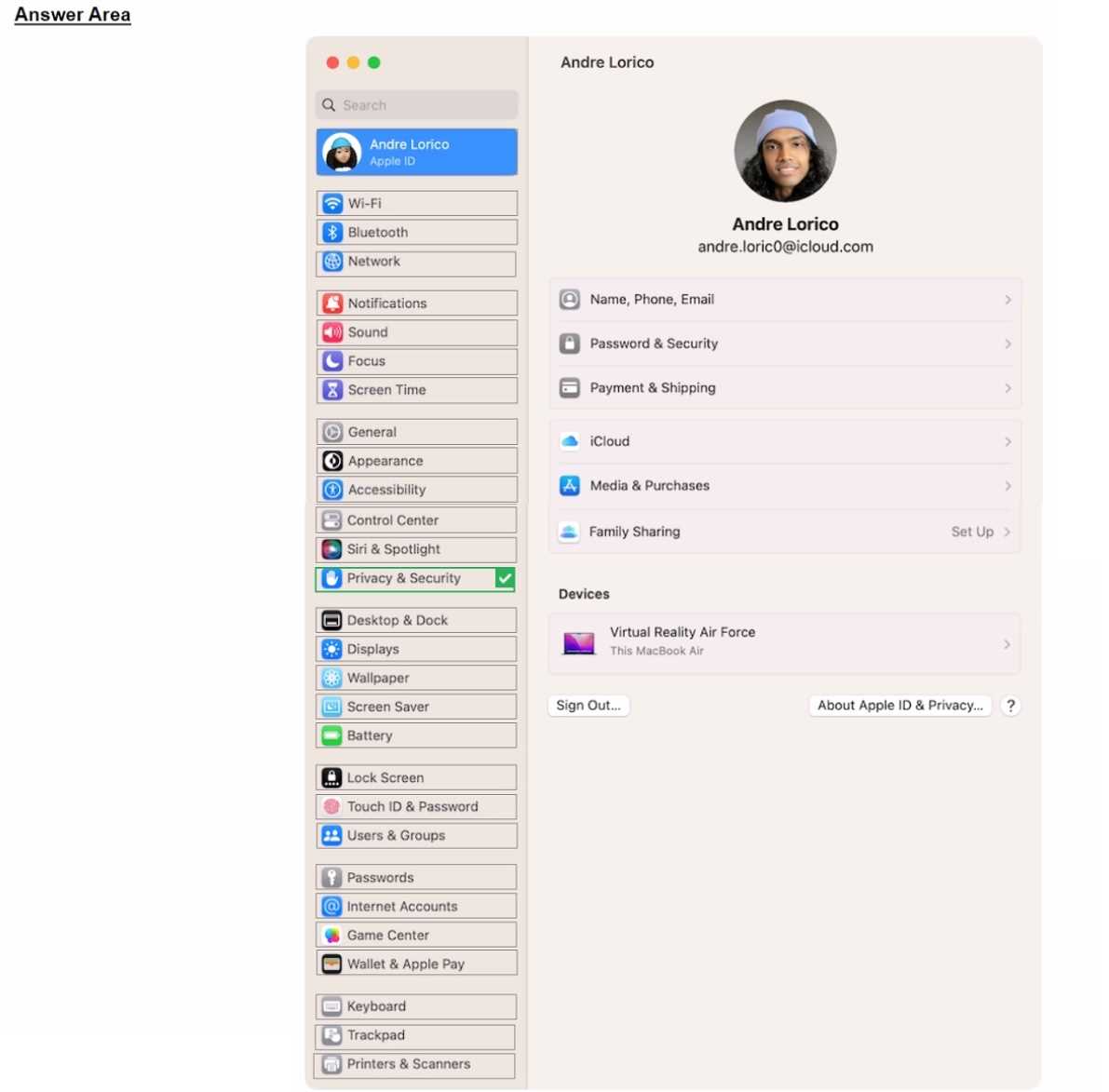
Select the setting in the sidebar that you should use to turn on FileVault.
Scenario:
Ozzy contacted you about issues obtaining 5G service on his iPhone. You confirmed that his device is
compatible with the carrier's 5G service, in a coverage area, and using the latest version of iOS. The
carrier's support website indicates that a carrier settings update is needed to fully support its 5G
service.
Where in Settings should you go to manually check for carrier settings updates on iPhone?